

Meet your AI voice agent
Meet your AI voice agent




Never Miss a Call Again —
Book More Jobs, Support More Clients, Grow Faster.
From just $175 per month
Ben, Sally, Dave, and Ava are expert AI voice agents ready to handle your inbound and outbound calls.
They manage bookings, follow up leads, and provide outstanding customer support —
all while you focus on your business.
What your voice agent can do
What your voice agent can do
All inbound and outbound calls will be logged in Zoho CRM from just $175 per month.
Is it difficult to set up an ai Agent?
Is it difficult to set up an ai Agent?
Setting up an AI agent in Retell AI doesn’t have to be difficult —
the key is having a solid script and knowing how to fine-tune it over time.
We provide you with a ready-to-use agent script (which you can easily edit to match your business),
plus weekly webinars that walk you through managing and improving your AI agents in Retell AI and Zoho CRM.
Frequently asked questions and set-up
Frequently asked questions and set-up
Sign up for and set-up a Retell AI Account
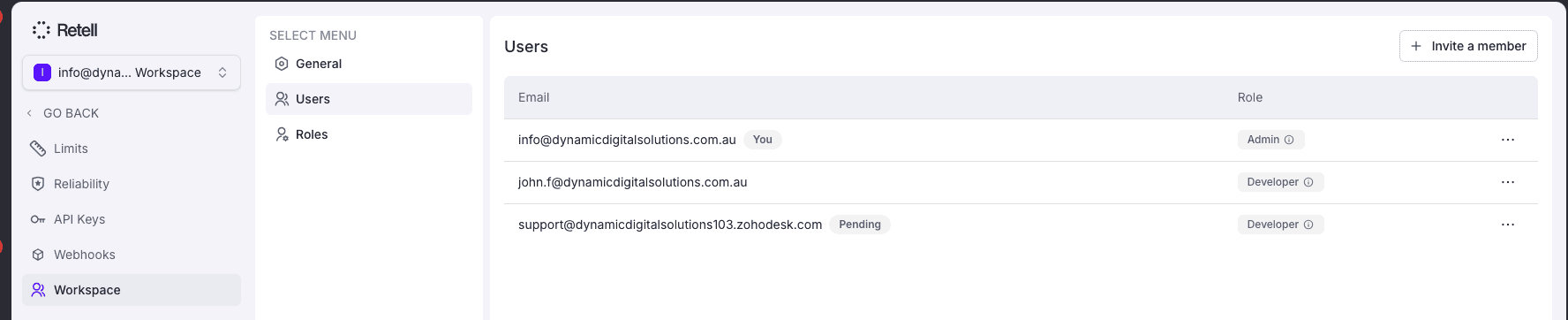
Sign up for a set up a Retell AI Account using this link and go to Settings to add support@dynamicdigitalsolutions103.zohodesk.com as a team member.
Import an example agent into Retell AI and update the script

Use a template in Retell AI to build your Retell AI Agent or email us at support@dynamicdigitalsolutions103.zohodesk.com for an example AI Agent script that you can import and update to suit your business needs.
Sign up for the Zoho CRM Extension
Sign up for the Zoho CRM extension using this link:
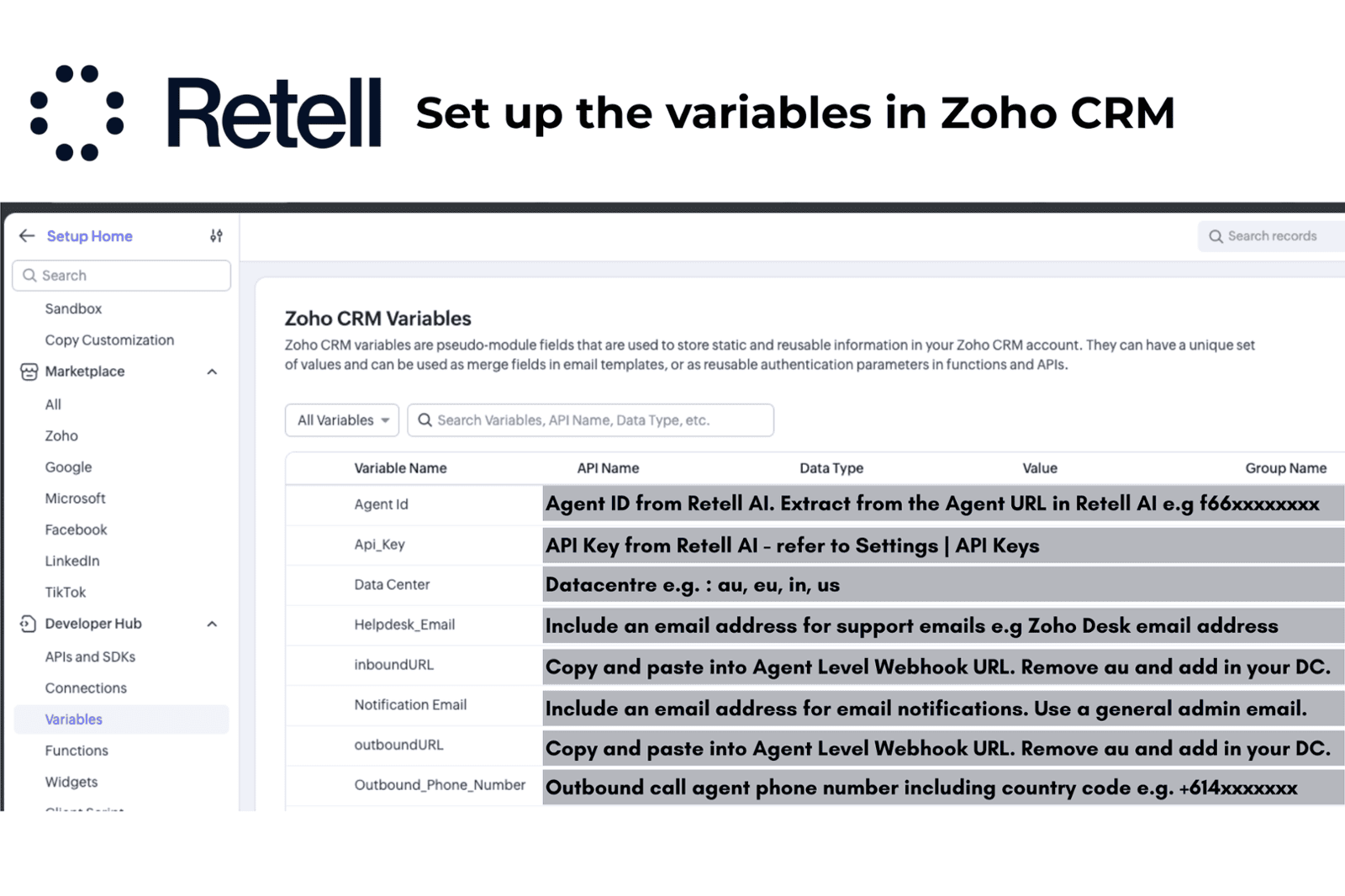
Set the variables in Zoho CRM
Connect your AI Agent to Twilio
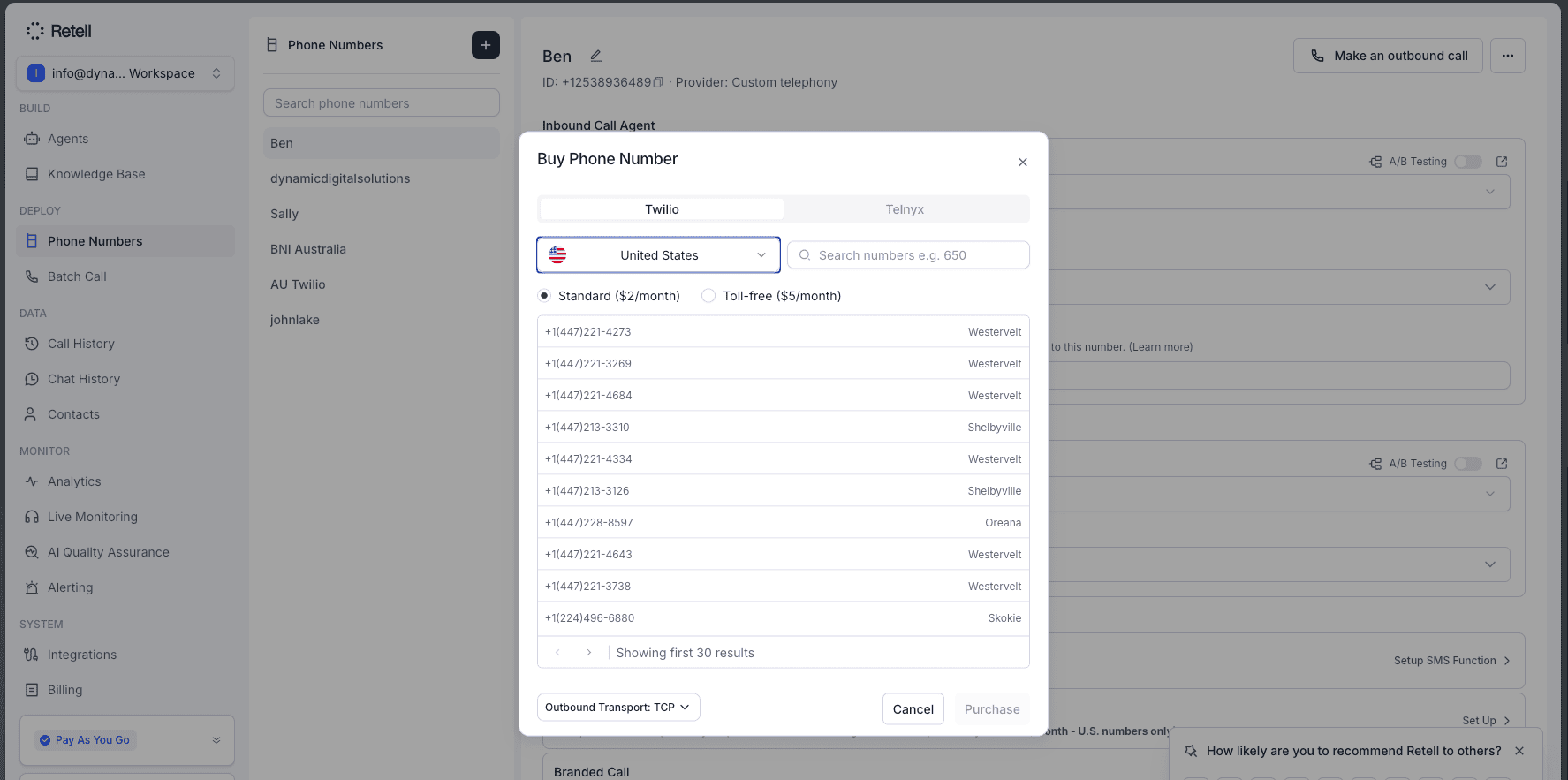
You can connect your inbound and outbound calls to Twilio either directly through Retell AI or indirectly through SIP Trunking. If you prefer we can do this set up for you at an additional fee of $250 AUD. Alternatively feel free to join our weekly training session where we can provided guided support for you to get this set up.
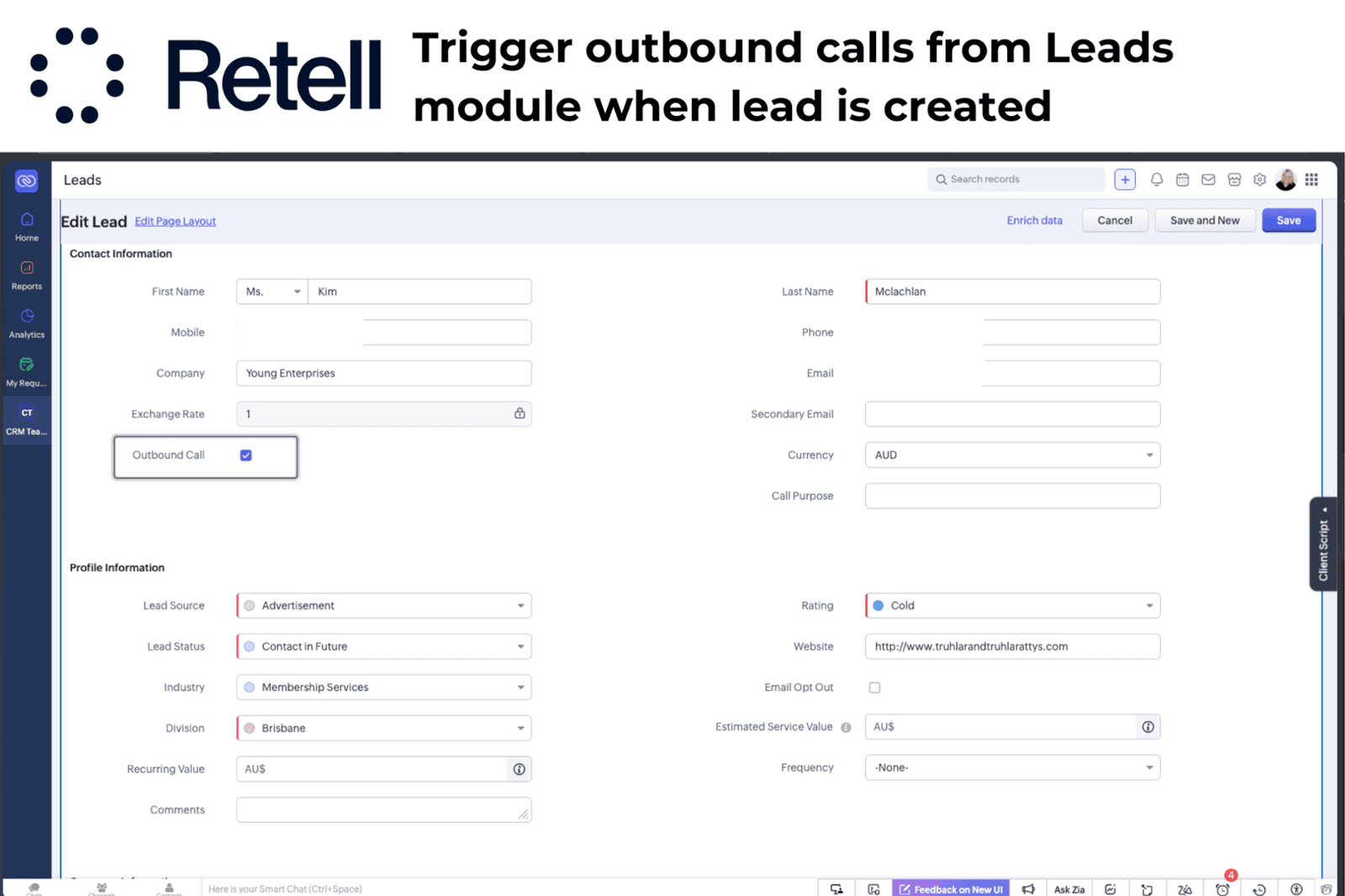
Ensure that the Outbound Call field is selected
When a record is created in Zoho CRM ensure that the Outbound Call field is selected and that workflows are triggered. This will trigger an outbound call from the selected agent in Retell AI.
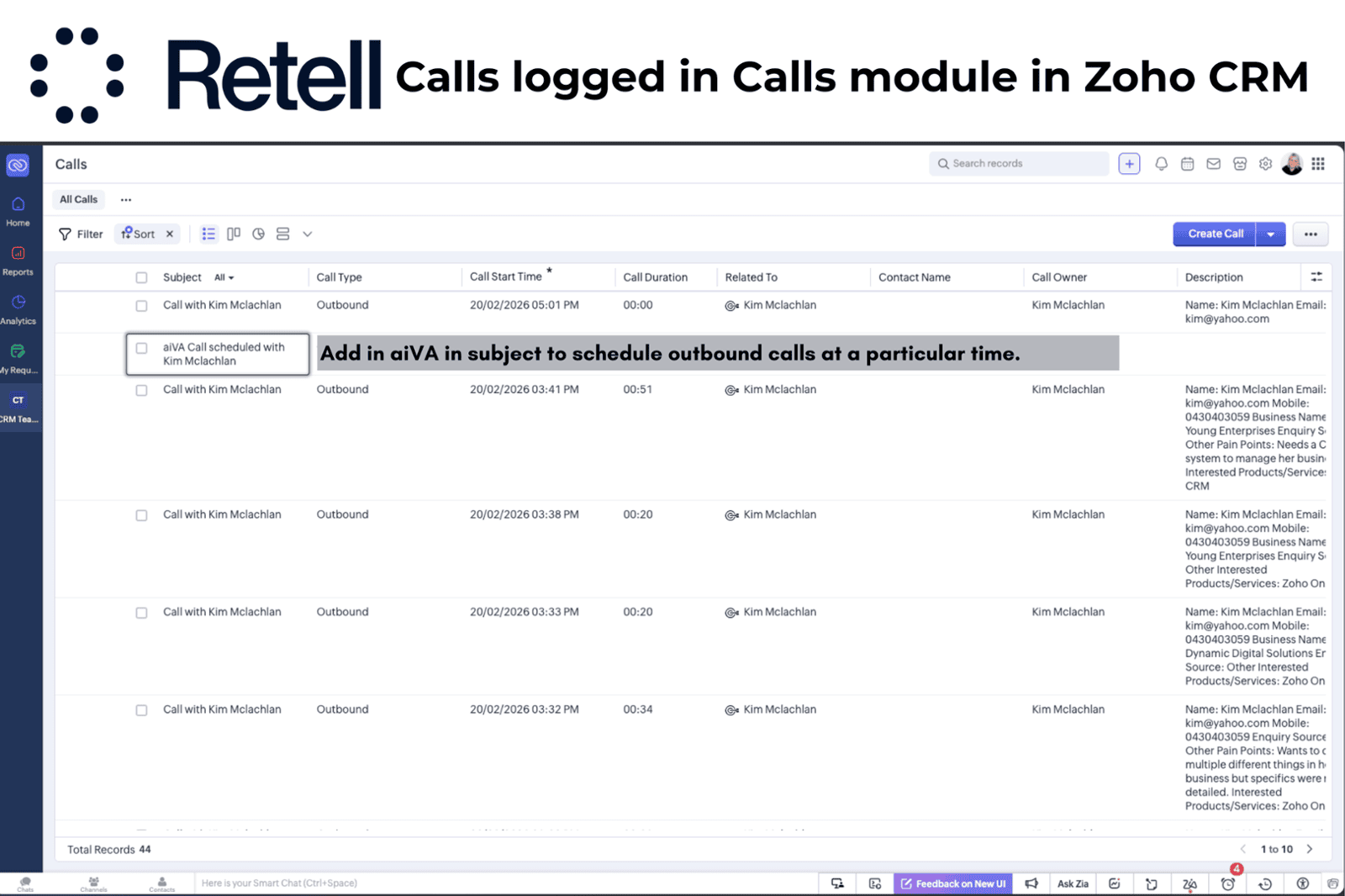
Calls are scheduled in the Calls module in Zoho CRM
Calls can be scheduled for both the Leads and Contacts modules in Zoho CRM. If you wish to trigger an outbound call then ensure that the subject has aiVA included in it. This is how the system will know that the call needs to be made by the outbound AI Agent.
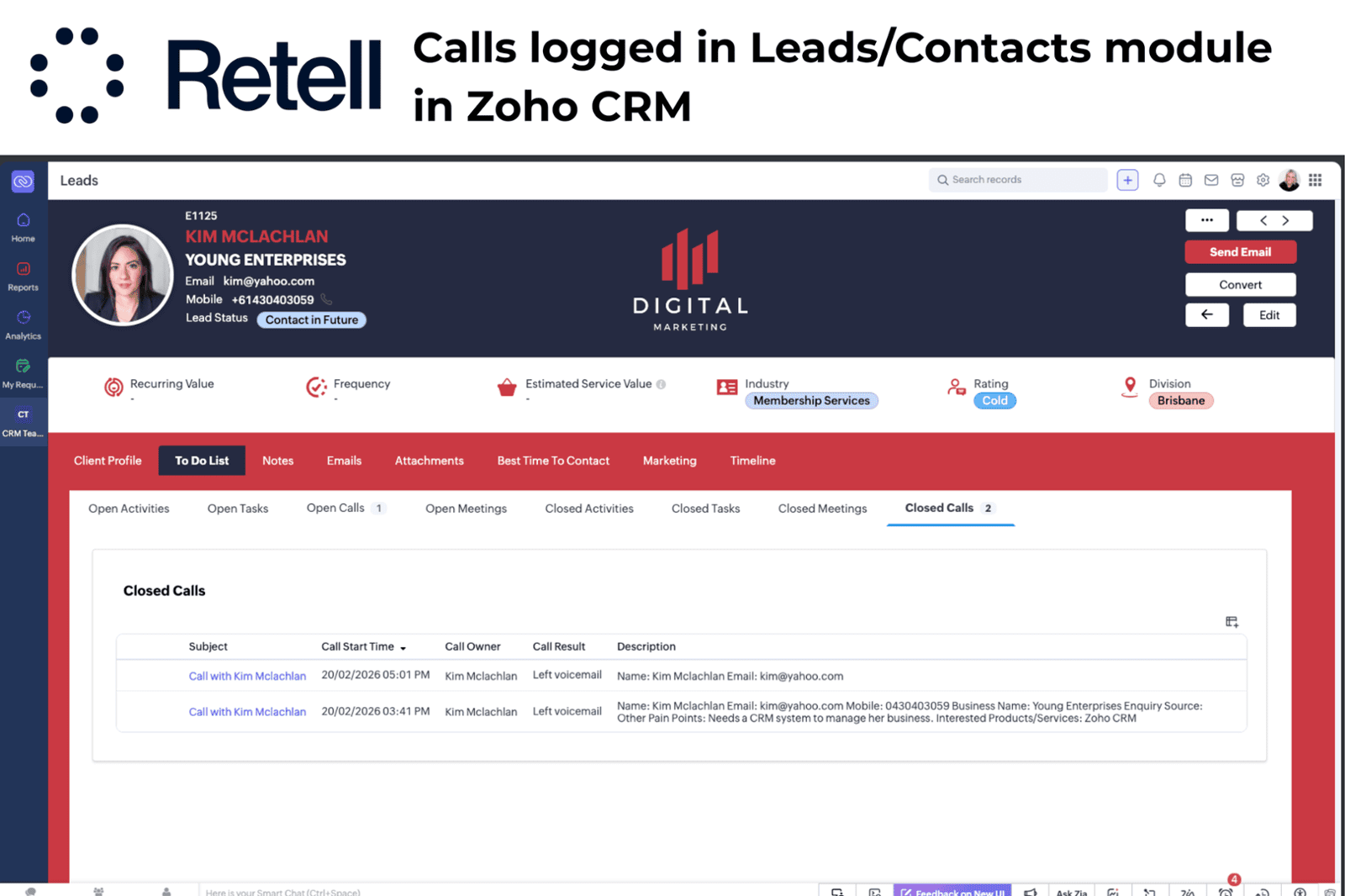
Calls are logged in the Calls module against a Lead or Contact. Navigate to the closed call related list to view these calls. You will also be able to view a summary of these calls in the Calls Module in Zoho CRM.
Please send your questions through to support@dynamicdigitalsolutions103.zohodesk.com.
Please note that support will only be provided to clients who have subscribed to the Zoho CRM extension.
Register for a training session on Eventbrite
Need a CRM system?
Need a CRM system?
Don’t have a CRM system yet? No worries — we can get you started with a 15-day free trial
on one of our ready-to-go Zoho CRM Solutions.
Please note that Retell AI integrations have been built into our ready-to-go CRM solutions and do not require the installation of a separate Zoho CRM extension.
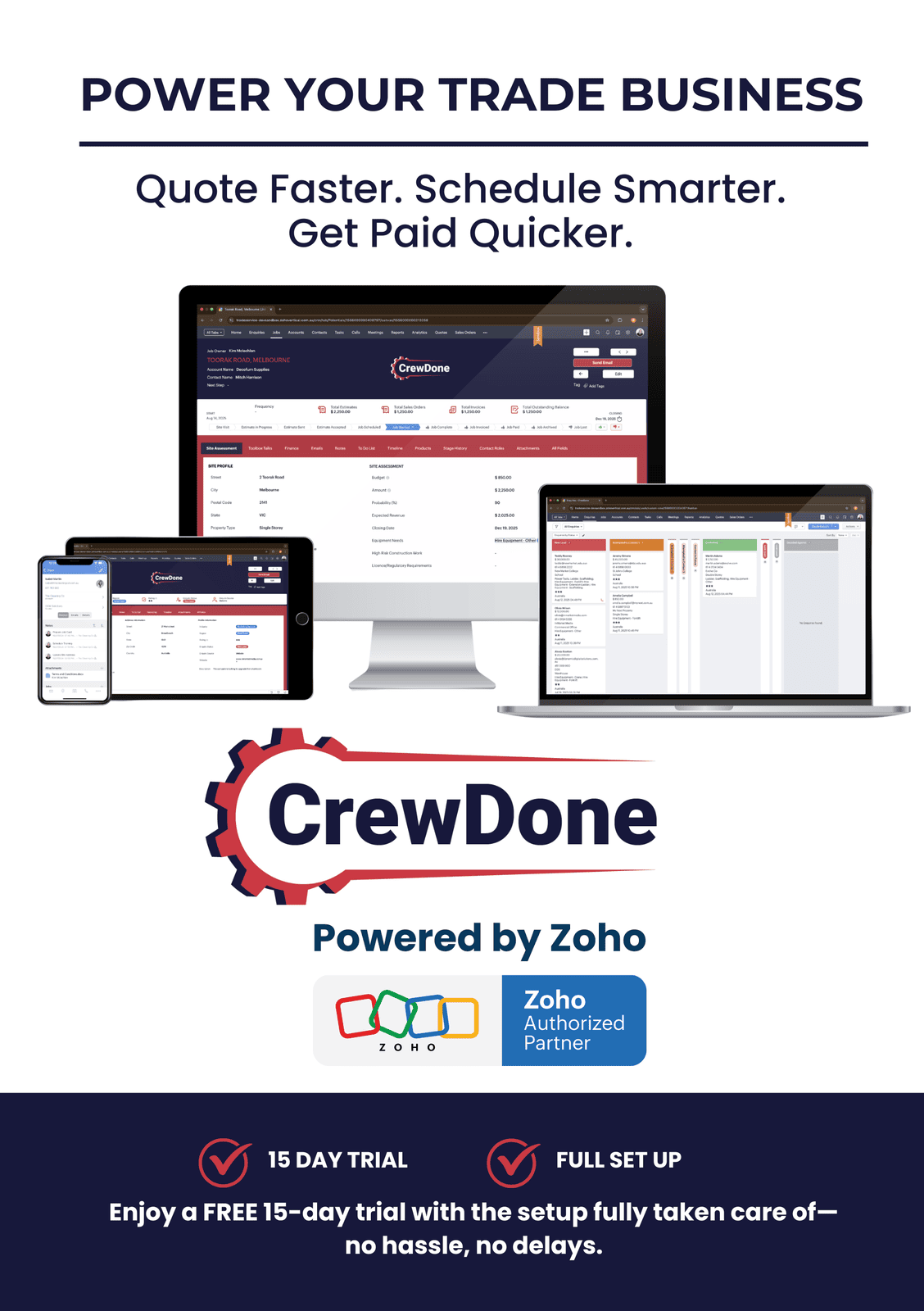
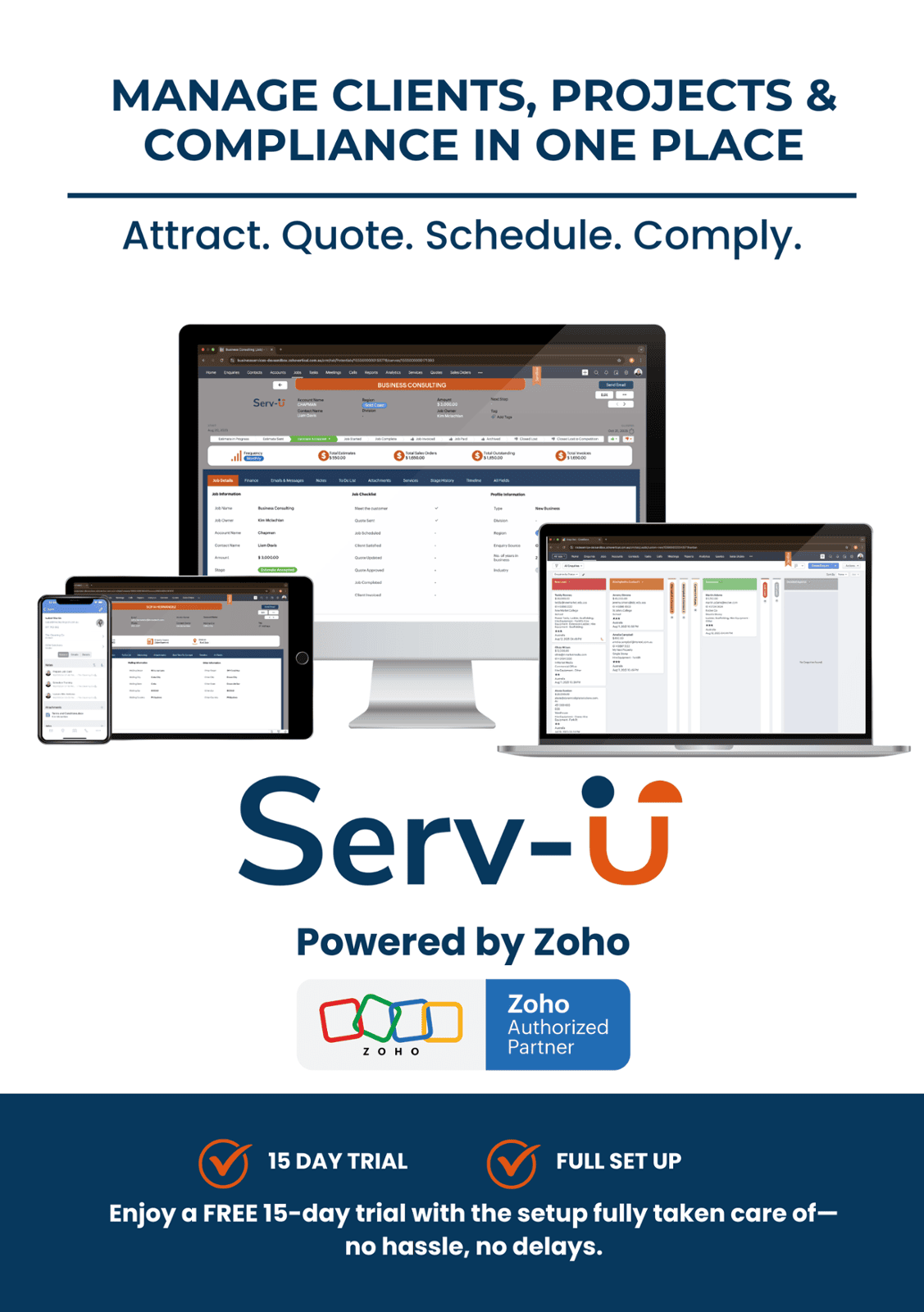
If you need something more specific, we also build custom Zoho CRM solutions tailored to your workflows, so your AI agent and your team have one system to capture leads, manage customers, and keep everything tracked in one place.